Image Compressor
Reduce image size, keep quality
Process multiple images and download a ZIP, or download a single image directly.
Drag & drop your image here
or click to select multiple images · JPG / PNG / WebP / GIF / BMP / AVIF
JPG · PNG · WEBP · GIF · BMP · AVIF
Why can a compressed PNG get bigger?
This tool creates a new image at the original pixel dimensions. For PNG, it uses the browser’s lossless encoder, without palette optimization or a configurable compression level. An already optimized PNG may therefore get little benefit, or become larger when encoded again. Converting a compact JPEG or WebP to PNG can also increase file size.
Lowering quality will not make PNG smaller here. Keep the original if the output is larger. For a photograph, try JPEG or WebP if your destination accepts it. For a logo or screenshot, consider transparency and text clarity before changing format.
Our 960 × 640 line-chart PNG grew from 7,864 B to 16,959 B after PNG export. Its pixel dimensions stayed the same.
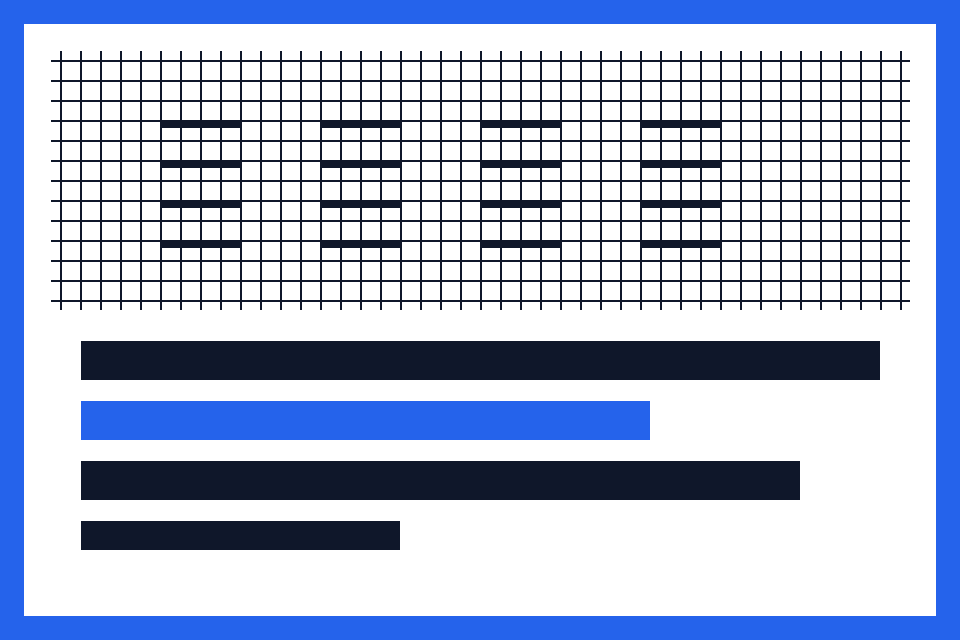
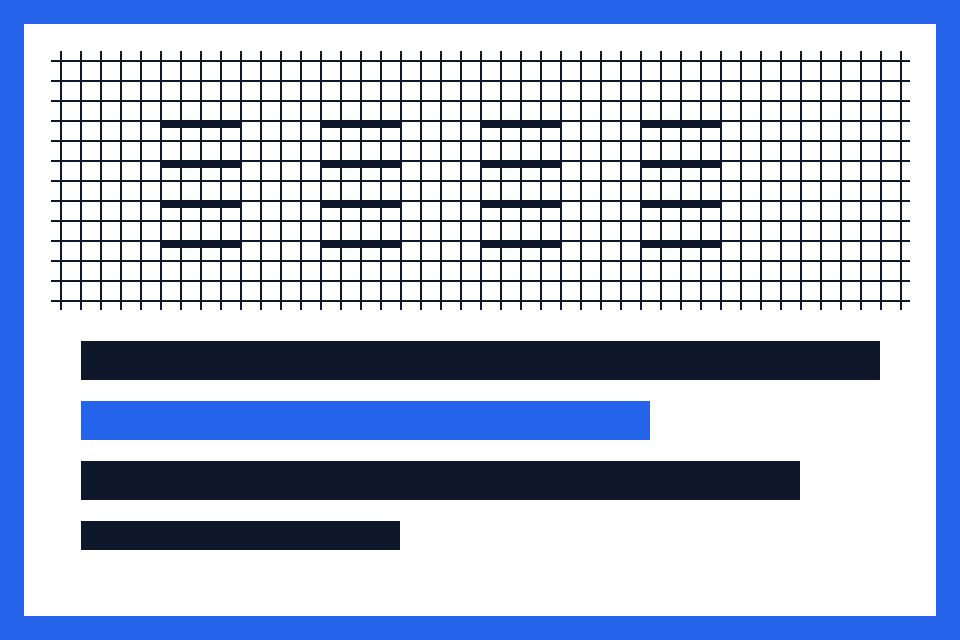
Measured on 12 October 2026 in the Codex in-app browser on macOS using this compressor. This is one synthetic sample; results vary with the image and browser.
Which output format fits your image?
JPEG · photographs
Adjustable, lossy quality. Useful when a photo needs a smaller file. Transparency becomes a white background; fine text and edges may lose detail.
WebP · smaller files with transparency
Adjustable, lossy quality with transparency support. Worth comparing with JPEG, but check that your upload form or application accepts WebP.
PNG · graphics and transparency
Lossless encoding with transparency support. Useful for crisp text and graphics, but the output is not guaranteed to be smaller. Quality has no effect.
What this compressor changes
- File size changes; pixel dimensions stay the same
- There is no automatic 200 KB target. If adjusting JPEG/WebP quality is not enough, reduce pixel dimensions with the resize tool. The exported file does not preserve all original metadata, including the original print DPI.
- Image processing stays in your browser
- This compressor does not upload your image files to a processing server. Decoding, encoding and ZIP packaging happen on your device. Very large images or batches can use substantial memory.
- The size comparison counts successful images
- Single images download directly; batches download as a ZIP containing successful outputs. The ZIP packages files without further compression. Displayed totals exclude failed images and ZIP overhead. A larger output is still available to download; the tool does not replace it with the original.
- Animated inputs become a still image
- This tool exports one static image and does not preserve GIF, WebP or AVIF animation. Input decoding and WebP export depend on browser support.